How to create an email alias
How to Create an Email Alias
An email alias is an alternative email address that forwards incoming mail to a primary email account without exposing an original email. For example, emails sent to (mailbox) can be routed to (mailbox). This guide focuses on creating an email alias.
## Steps to create an email alias:
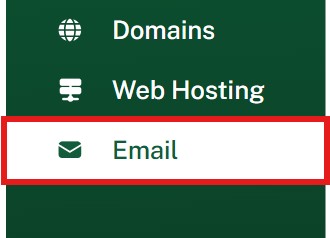
Locate the Email Section:
- After login, look for the "Email" section in your dashboard.
- Under mailboxes, choose the mailbox for which you want to set up an alias.

Create a New Email Alias:
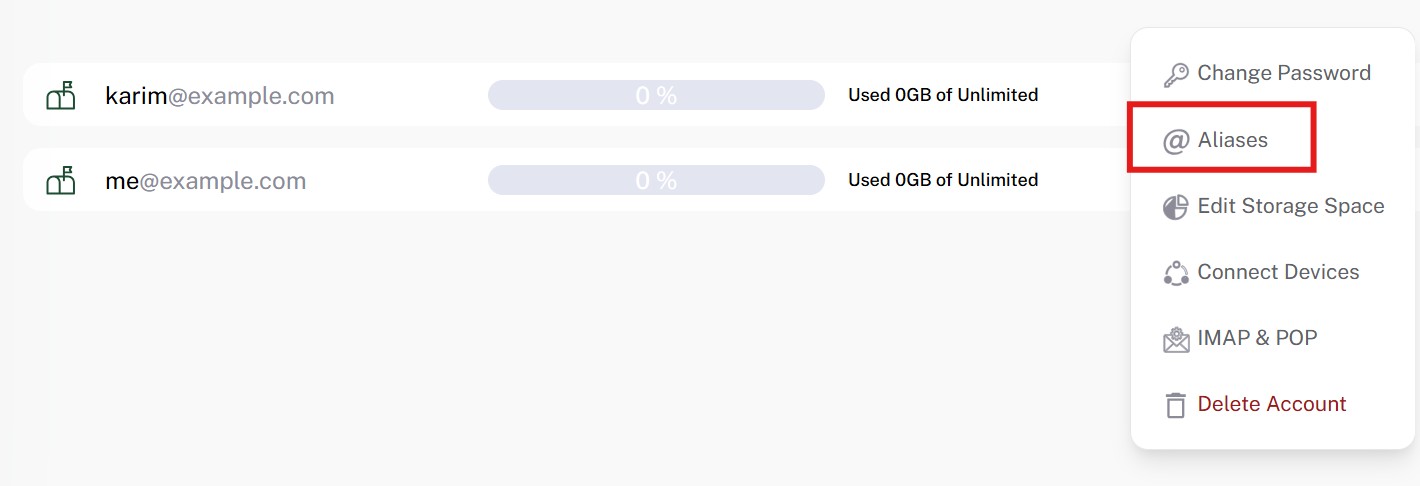
- Next to a mailbox, click “three dots” and then “@Aliases” accordingly**.**
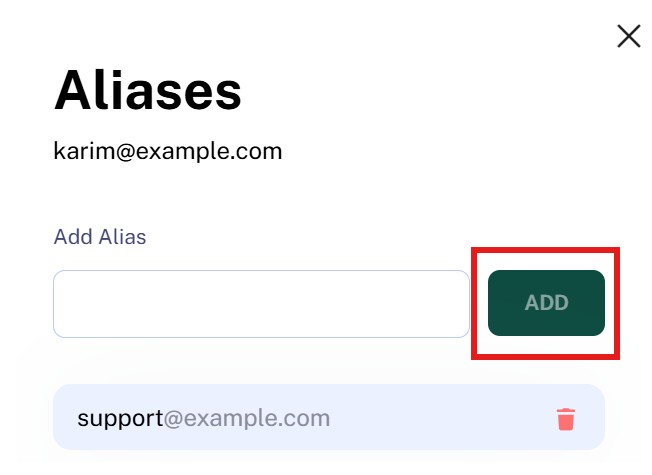
- Enter the alias in text box and click ADD.
Send an email to the alias (e.g., support@yourdomain.com) and verify that it routes to the intended email address (e.g ).