How to edit user details
How to Edit User Details
You can edit user details of an existing account by following these steps.
## Steps to edit user details:
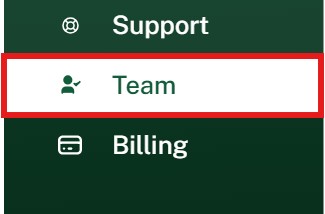
Navigate to "Team" Section:
- In the dashboard, scroll down to “Team” section and click it.
Select the User to Edit:
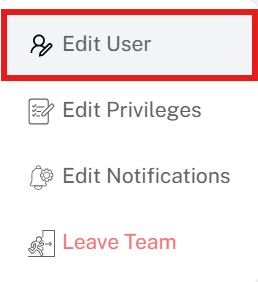
- Find the user you want to modify and click on the corresponding three dots.

- Click on “Edit User” from the menu.
Edit User Details:
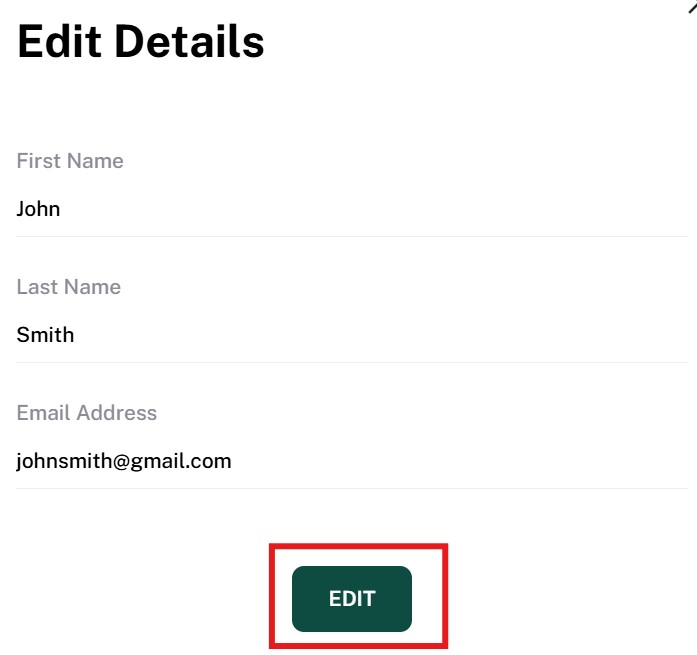
- You can change the first name, last name, and email address. When you are done, click “EDIT” to save the changes.